The steps below will show you how to install the FireSend app on the Firestick, Fire TV, Fire TV Cube, and any Fire TV device that runs on Android OS
Important Note: We are using the Fire TV Stick 4K Max in this instance. Any newer Amazon devices like the Fire TV Stick Select running on “Vega OS” will not be able to side-load apps with Downloader.
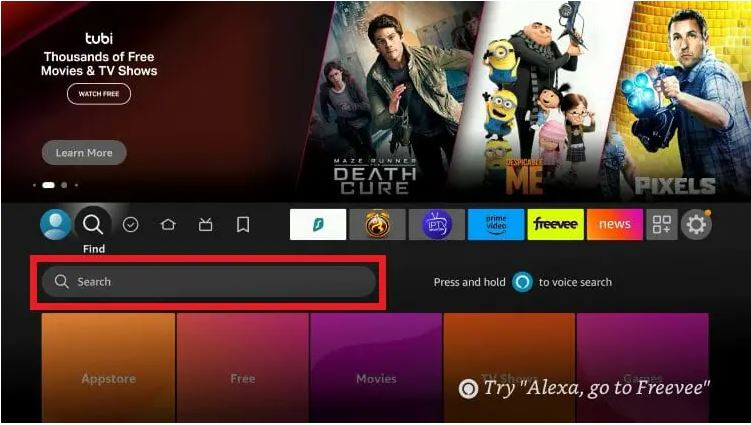
1. From the home screen of your Fire TV device, hover over the Search button on top.
- Search for and select FireSend, Download.
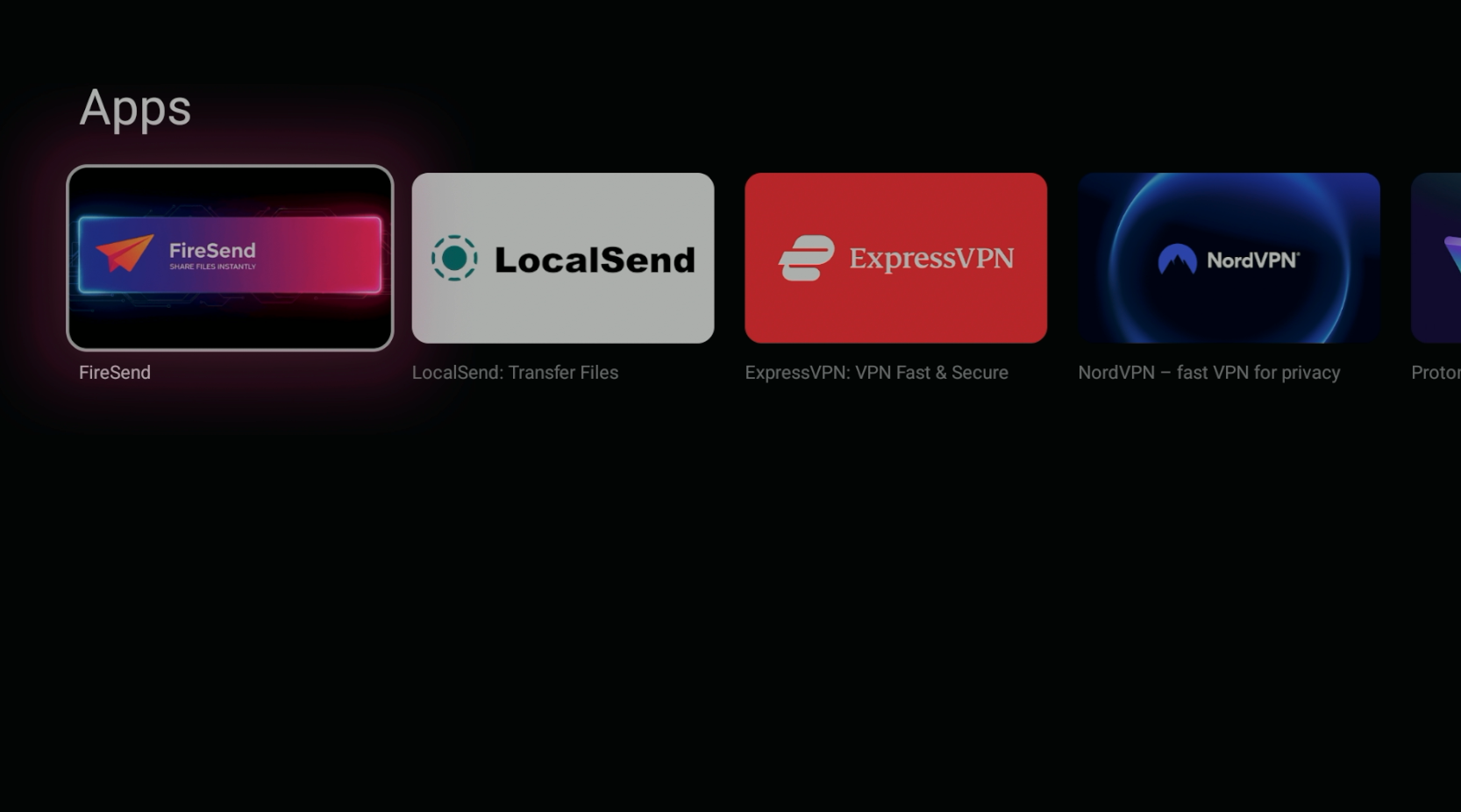
2. Wait for App to install.
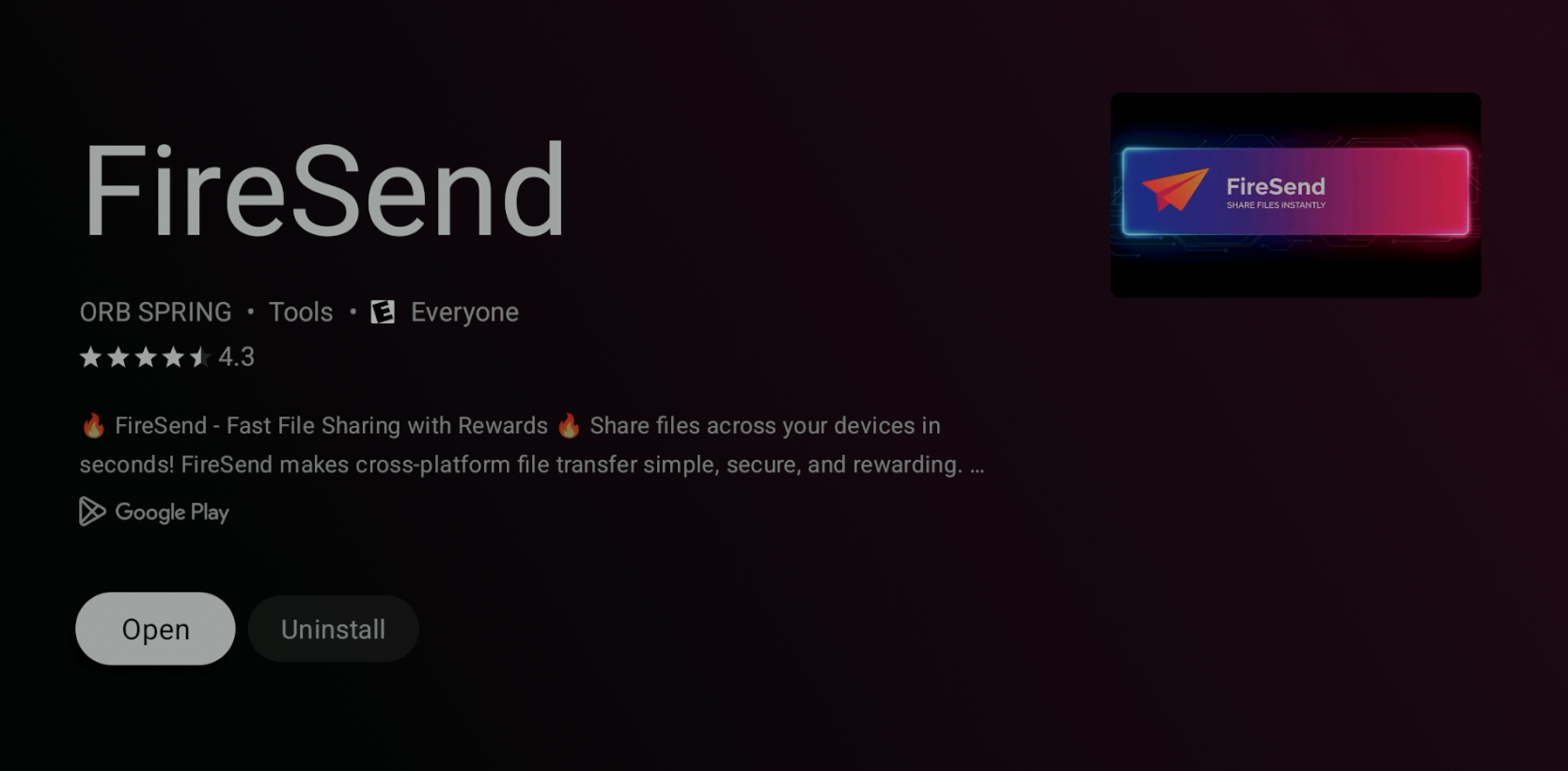
3. You have successfully installed FireSend app on your Firestick/Fire TV device. But next we need to enable permissions for installation.
4. Return to the Fire TV home screen and click Settings.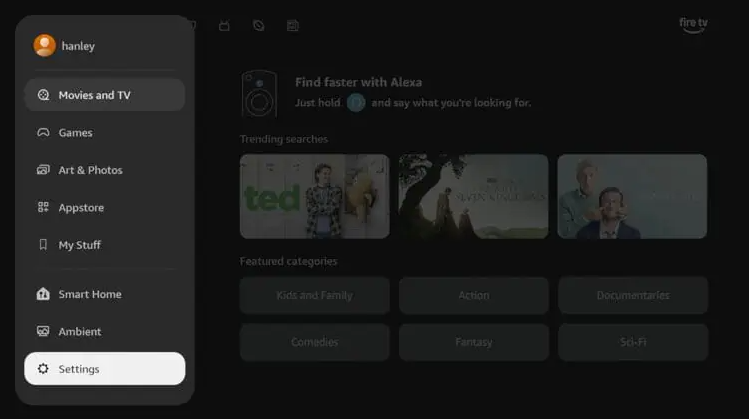
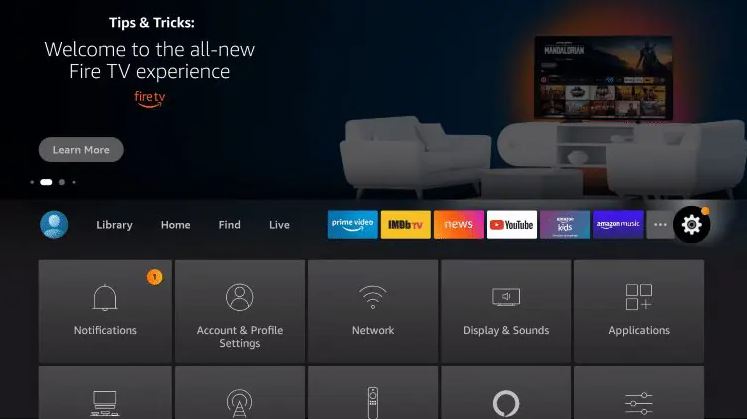
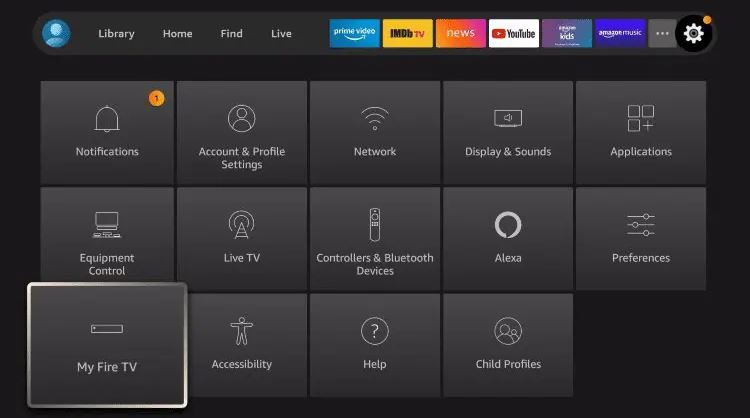
5. Click My Fire TV (or Device & Software for FireTV).
6. Click Developer Options. (SEE SECTION BELOW IF NOT SHOWING)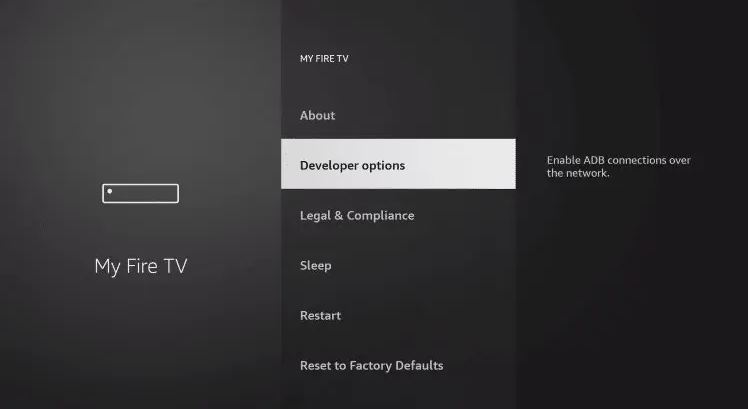
7. Click install unknown apps.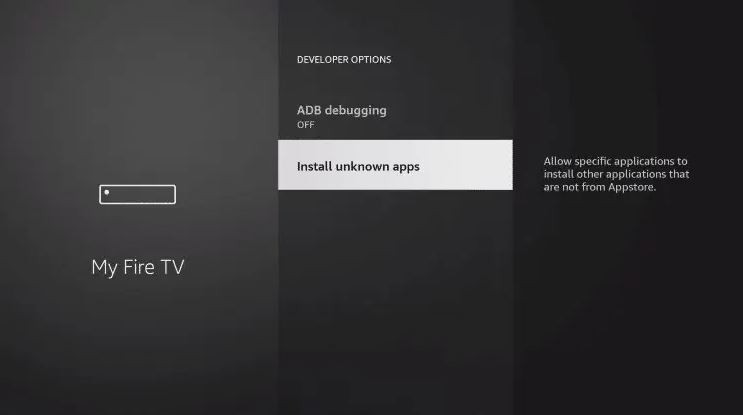
8. Click FireSend to turn it ON.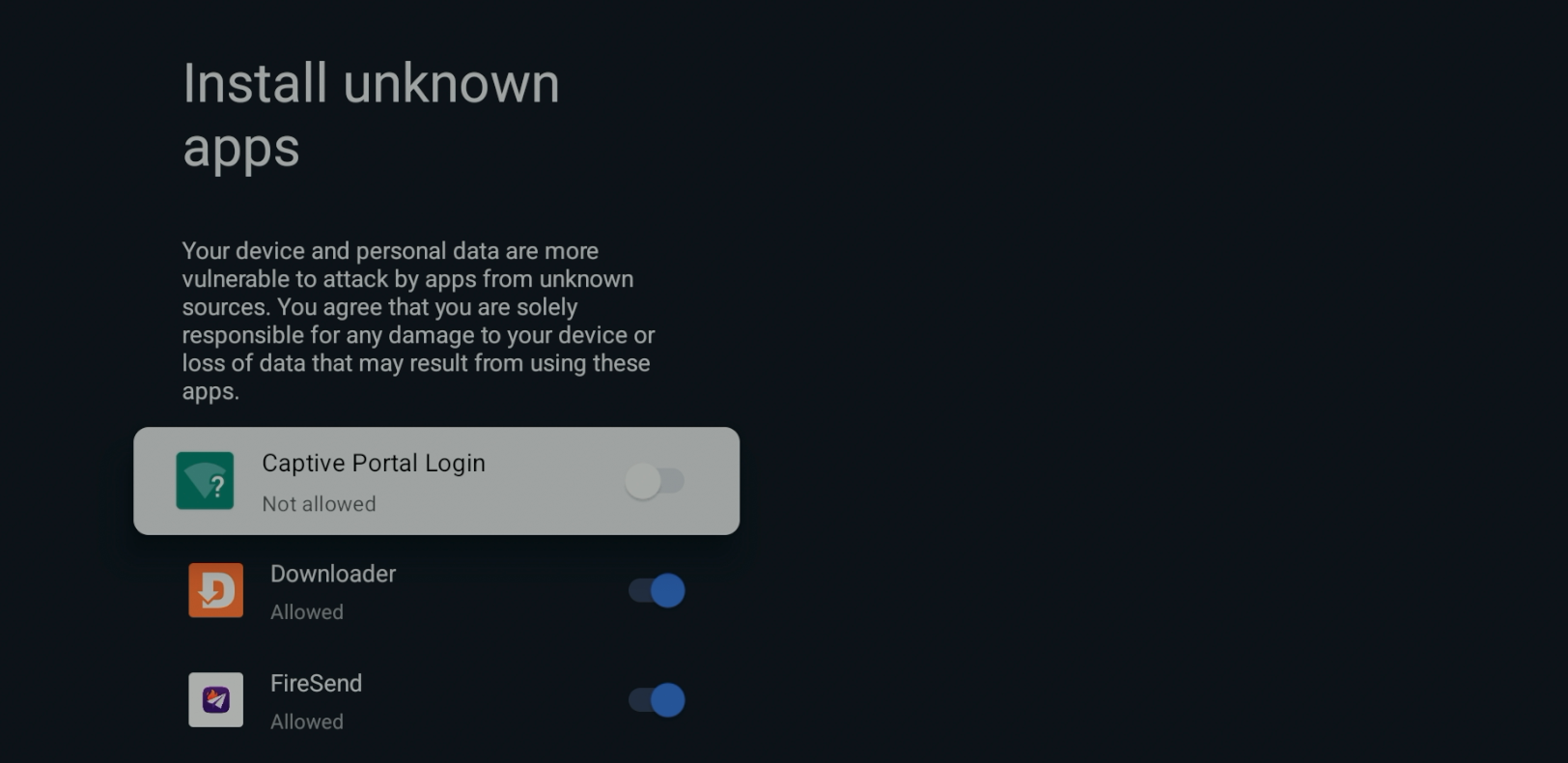
9. You can now side-load apps with FireSend. (Jump down to step 7 if available)
Developer Options Not Available?
1. Hover over the settings icon and click My Fire TV or Device & Software.
2. Click About.
Note: Notice Developer Options is missing.
3. Hover over Fire TV Stick and click the OK button on your remote 7 times to become a developer.
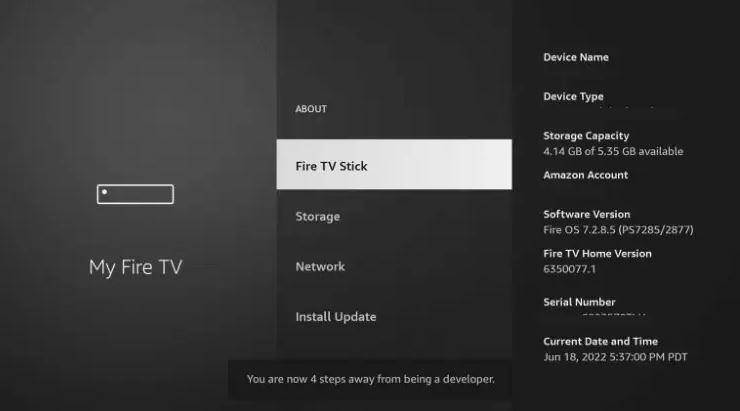
4. Click the back button on your remote and you will notice Developer Options is now showing within My Fire TV
5. Click Install unknown apps.
6. Find the Downloader app and click it, to show ON.
7. Launch FireSend.
8. Scroll down to Rooms / Share and select JOIN ROOM.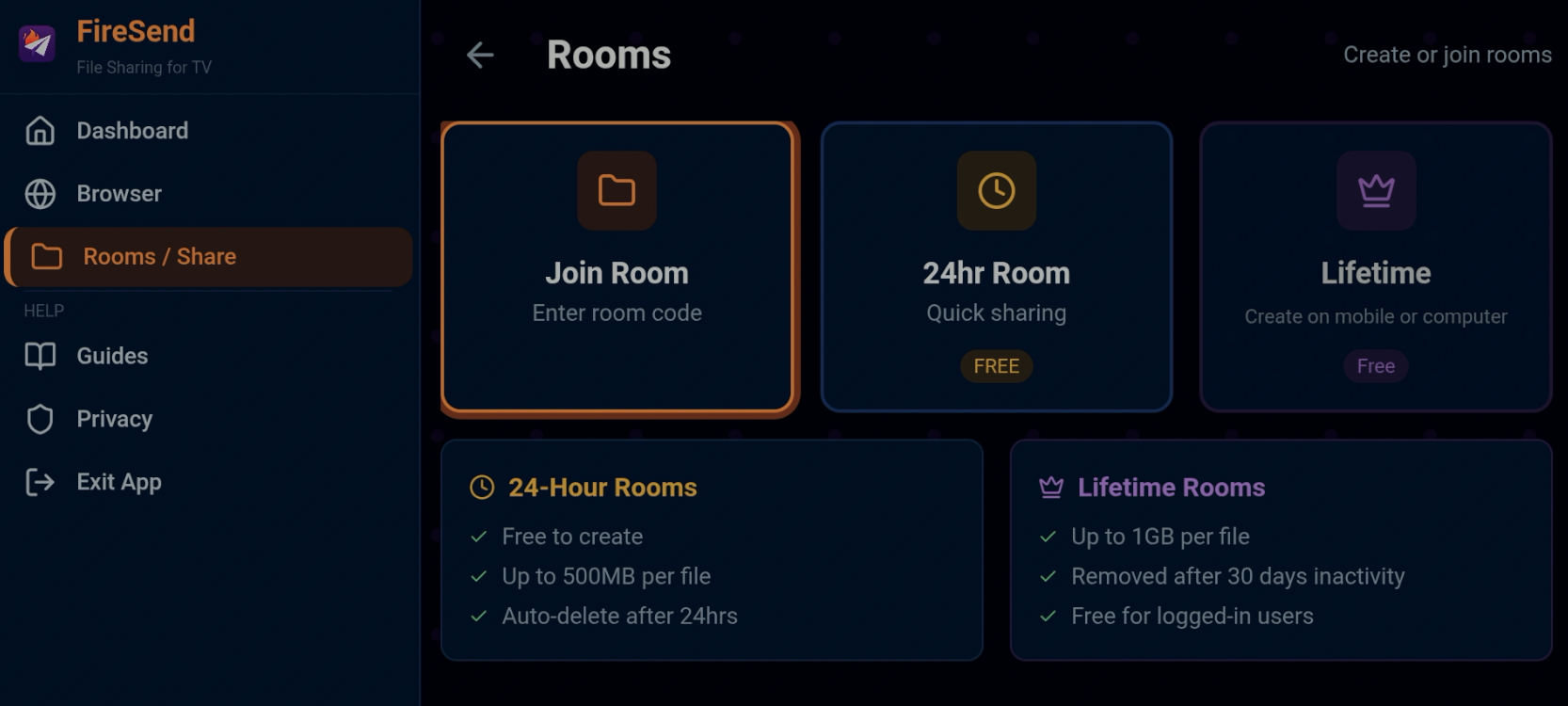
9. Enter room code TRIDENT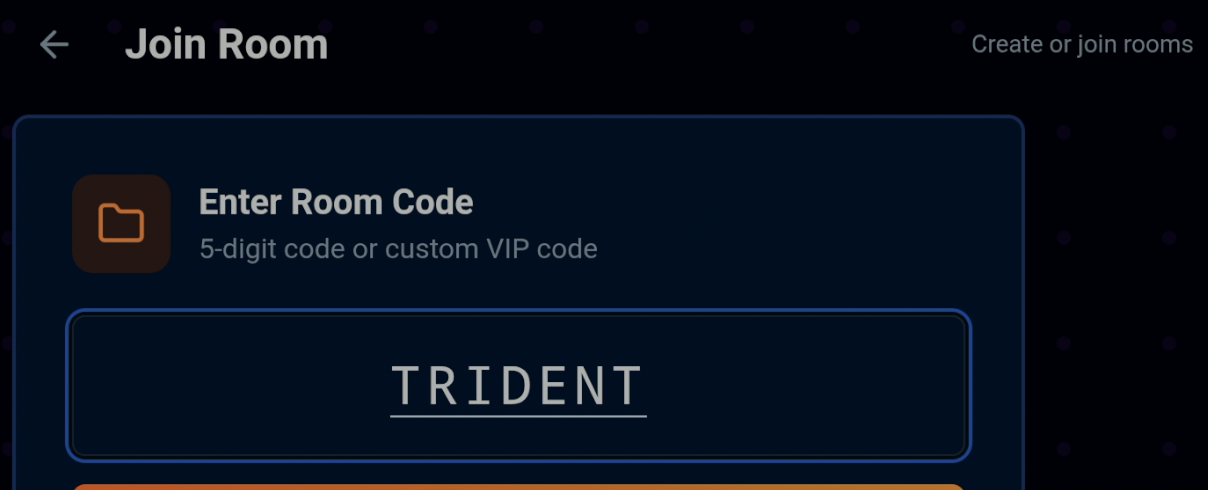
10. You will automatically be redirected to the Trident TV App Store. 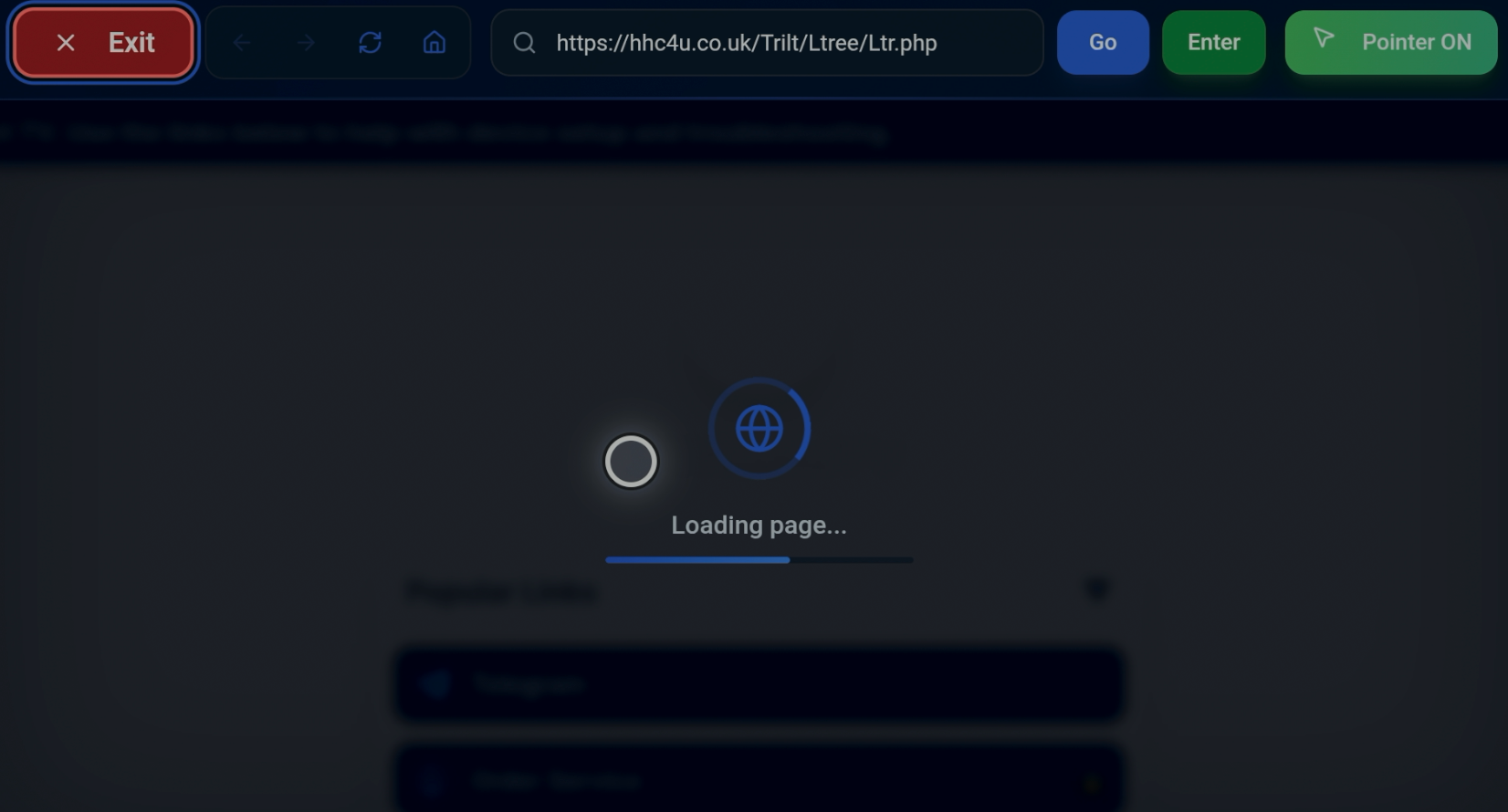
11. Scroll down to Trident App Downloads and select desired application to install. 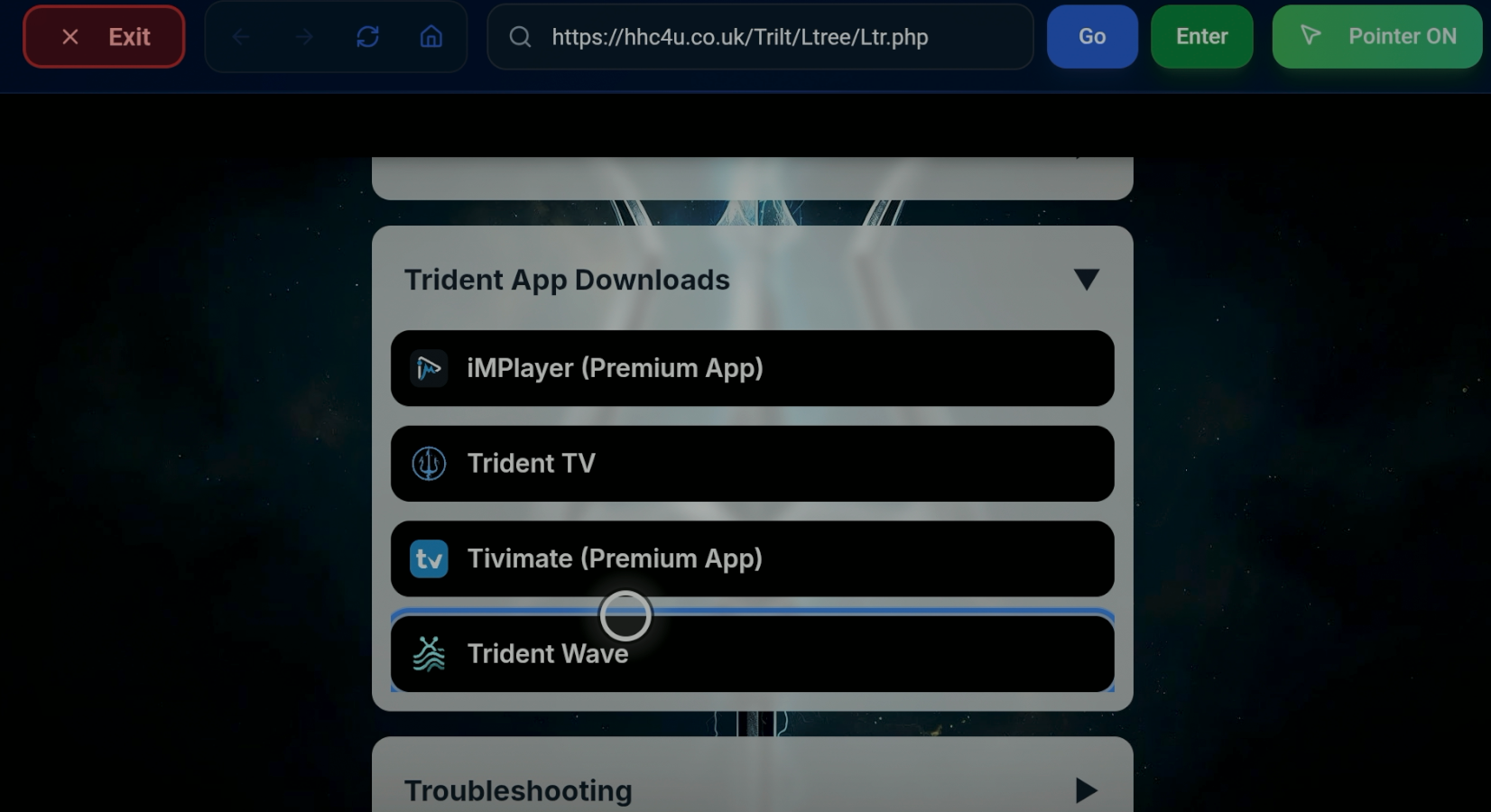
12. Below is example of our new Trident TV Wave Player installation.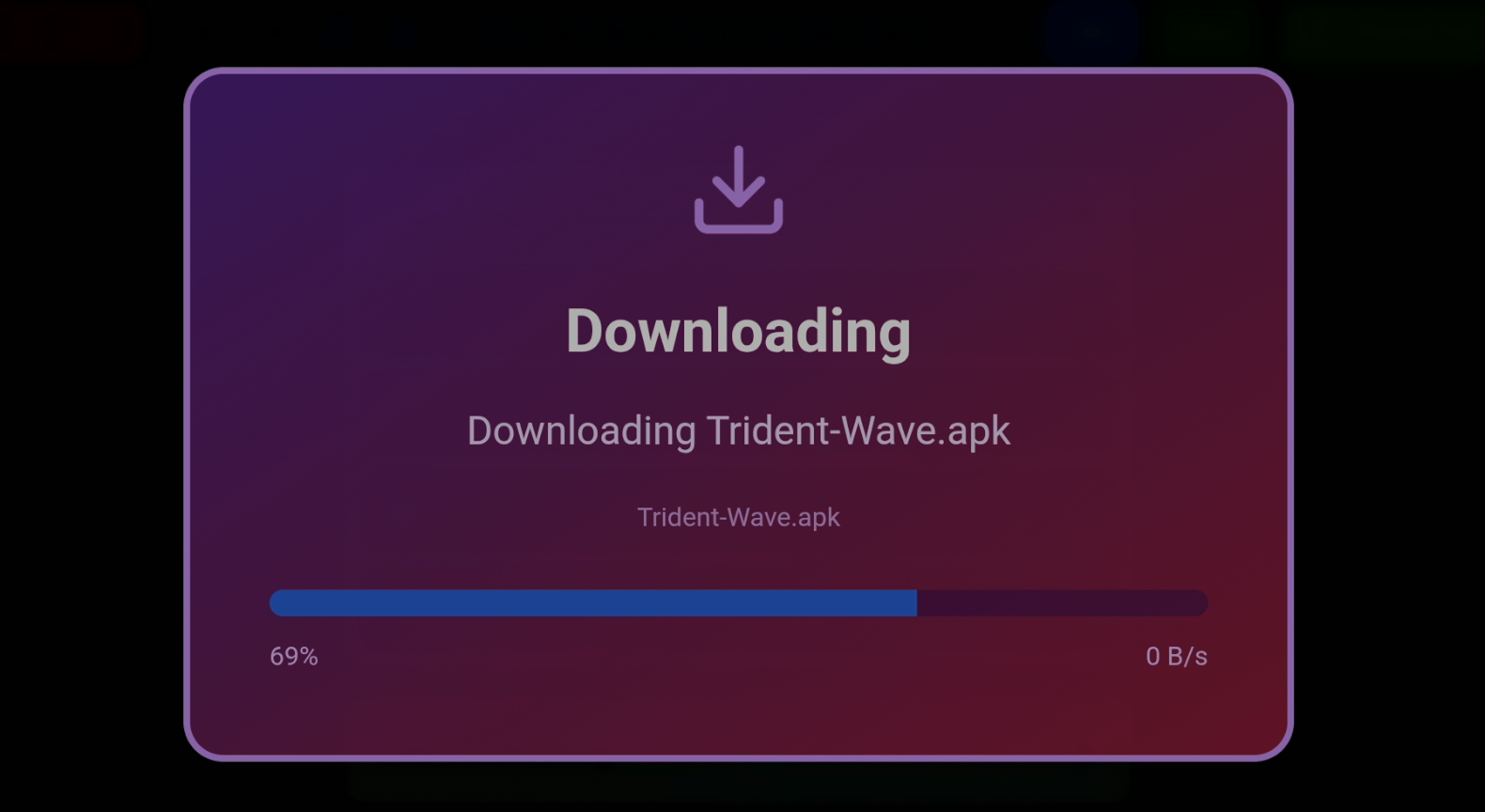
12. Open recently downloaded app and login with provided username / password.
- iMPlayer requires management code, reach out if you have yet to receive one.
VPN's are becoming a must have with these services and we highly recommend Surfshark VPN. Surfshark will protect your data & information when installing apps not located within the Google Play Store.
Click here to purchase Surfshark VPN with discount.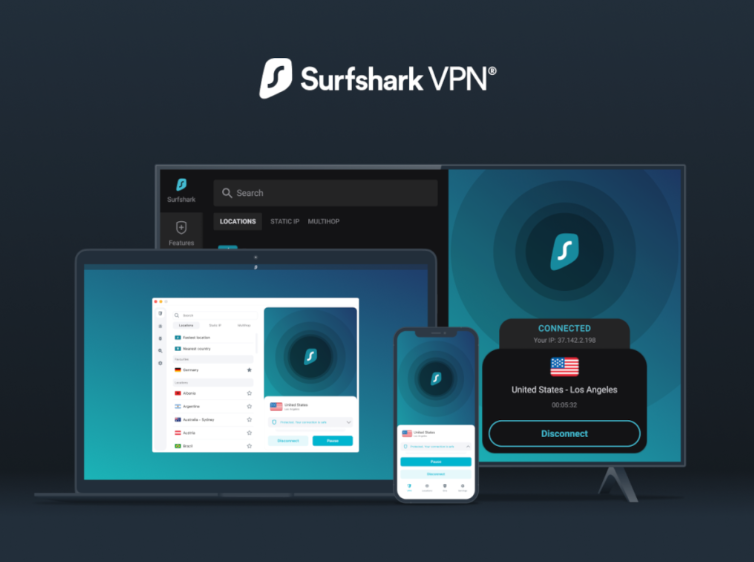
Please join our Trident Support Group on Telegram linked below.